
About External Display Support
This app is designed to display video out to an external display. When you connect your device to an external display, it will show a screen specially designed for large/external displays.
We have made it seamless to use an external display with your apps. Connect the display either before or while the app is running, and everything will just work.
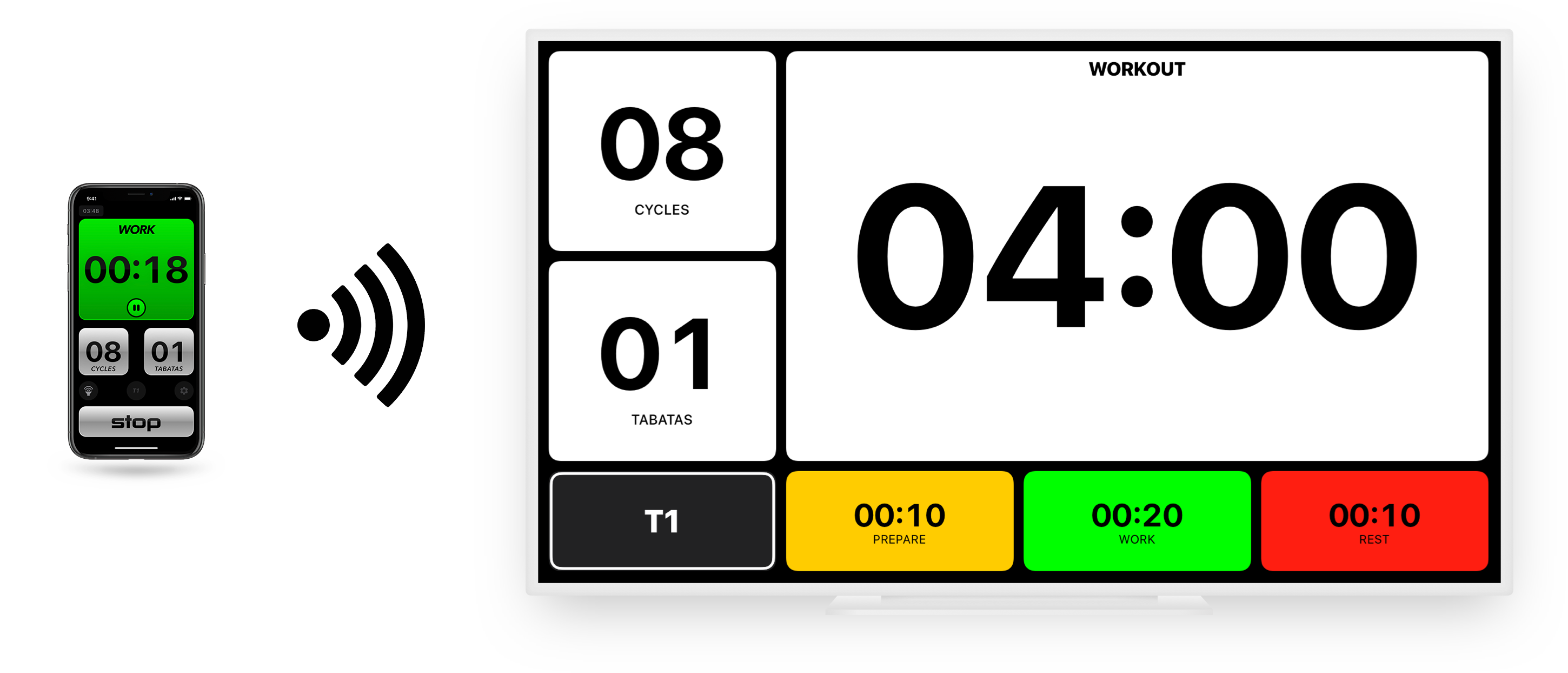
Using AirPlay
You can use your device's AirPlay feature to connect wirelessly to an Apple TV or a supporting Smart TV. You can find more information about this feature at Apple's AirPlay page.
Using Wired Connection
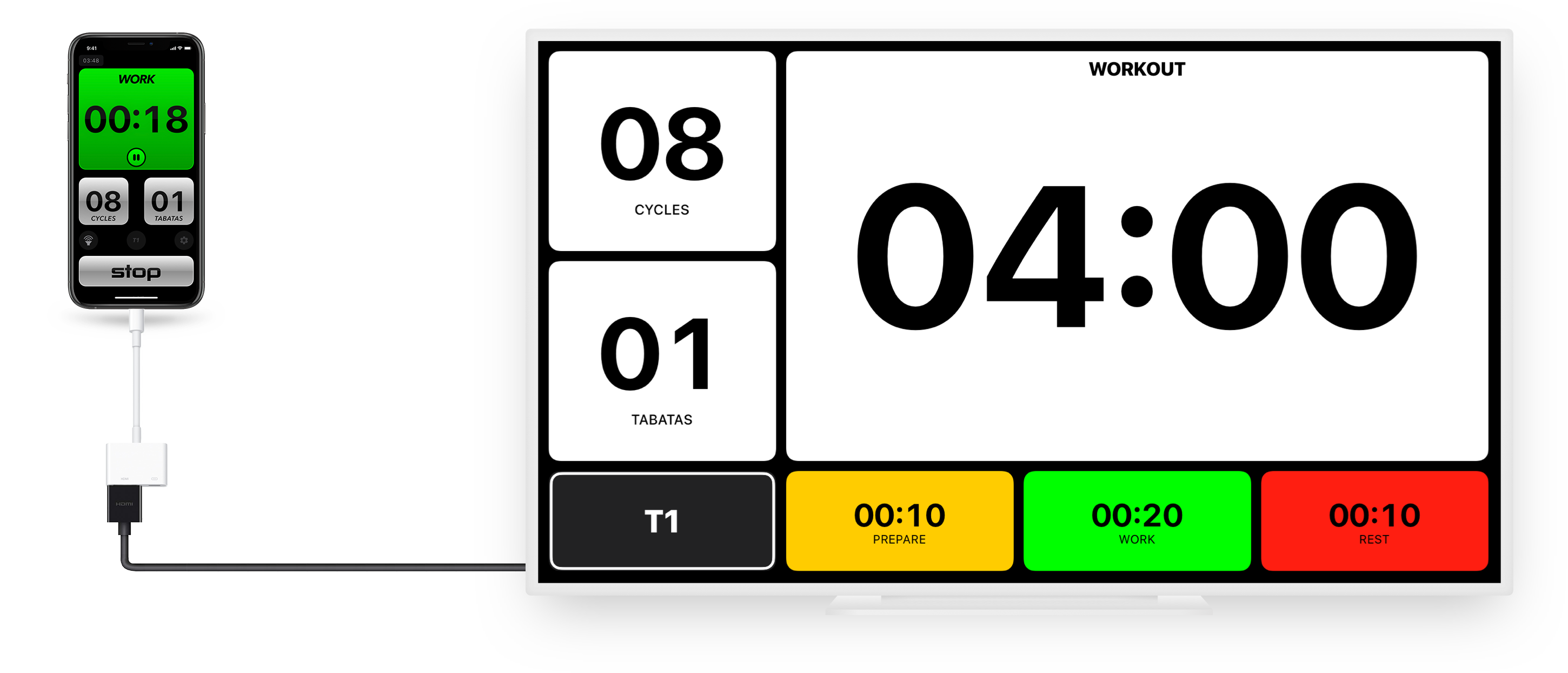
You can use a wired connection between your device and external display. To do so, you will need an HDMI Adapter (newer TVs and monitors) or VGA Adapter (older monitors).
Last Updated: 1/28/2022Warning: It is important to consider the ages of your device and external display, and what output/inputs they support before purchasing an adapter. Older devices and external didplays MAY NOT be supported.